
On iPhone · Google Play coming soon
Your family’s recipes, kept together.
Grandma’s pierogi, Dad’s chili, the birthday cake everyone asks for — gather them in one private cookbook the whole family adds to, with photos and the stories behind every dish.
 Google Play — coming soon
Free to start · Private to your family · Premium unlocks unlimited recipes
More than a recipe box.
A recipe card tells you how. Family Cookbook keeps the who, the when and the why, too.
-
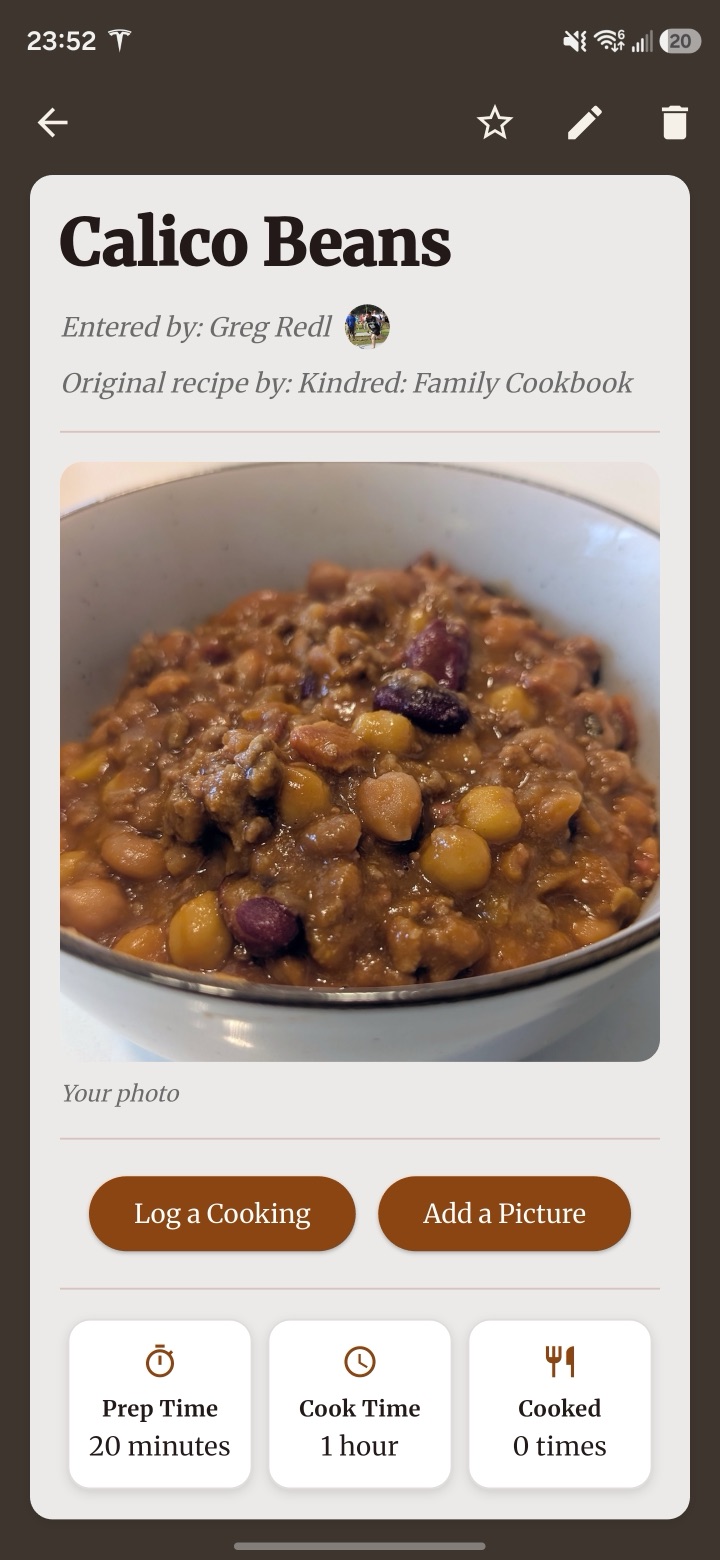
Recipes with a story
Ingredients, steps, a photo of the finished dish — and the story of where it came from.
-
One cookbook, whole family
Share a code and everyone adds their favourites to the same private cookbook.
-
Sorted by category
Soups, mains, desserts and more — with the family favourites a tap away.
-
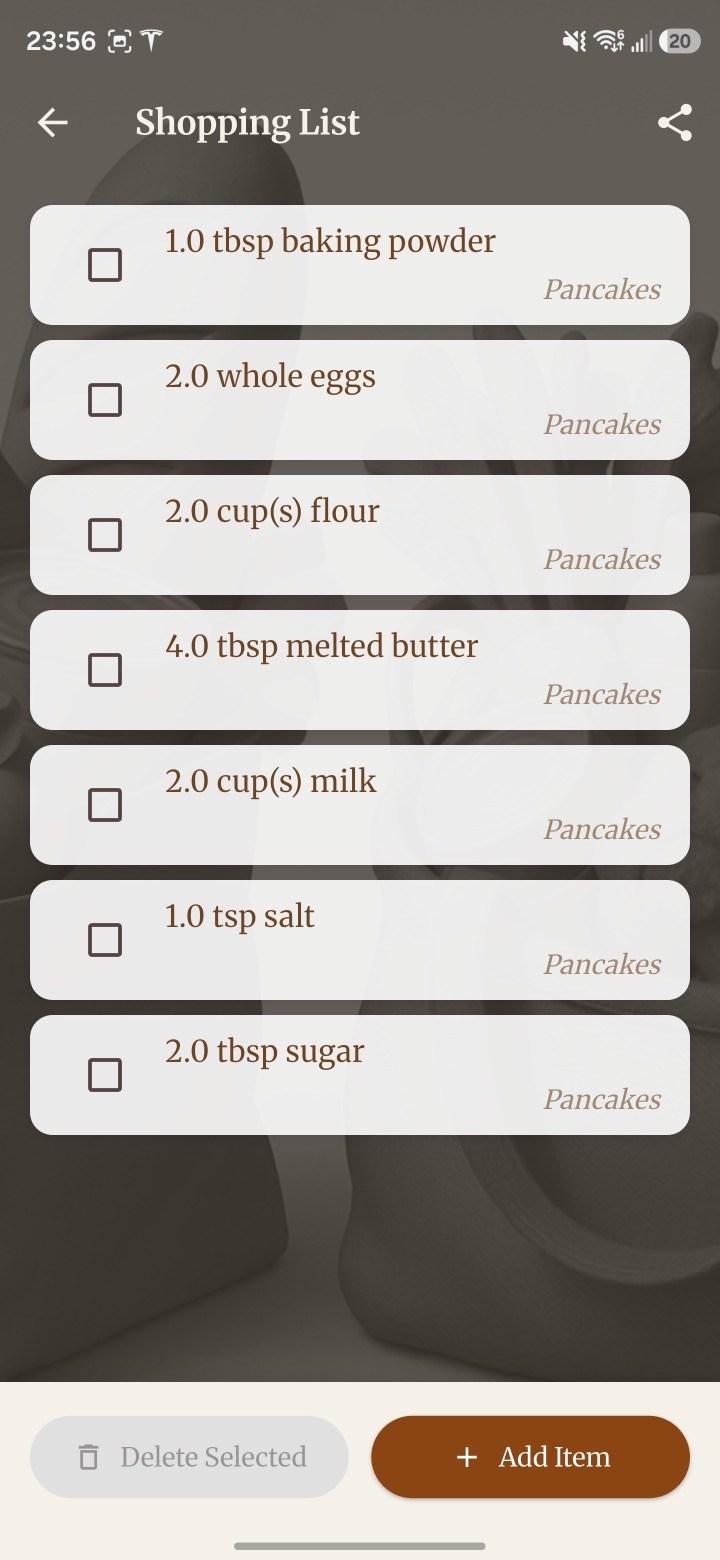
Shopping list
Turn Sunday’s dinner into a list for the store, so nothing’s forgotten.
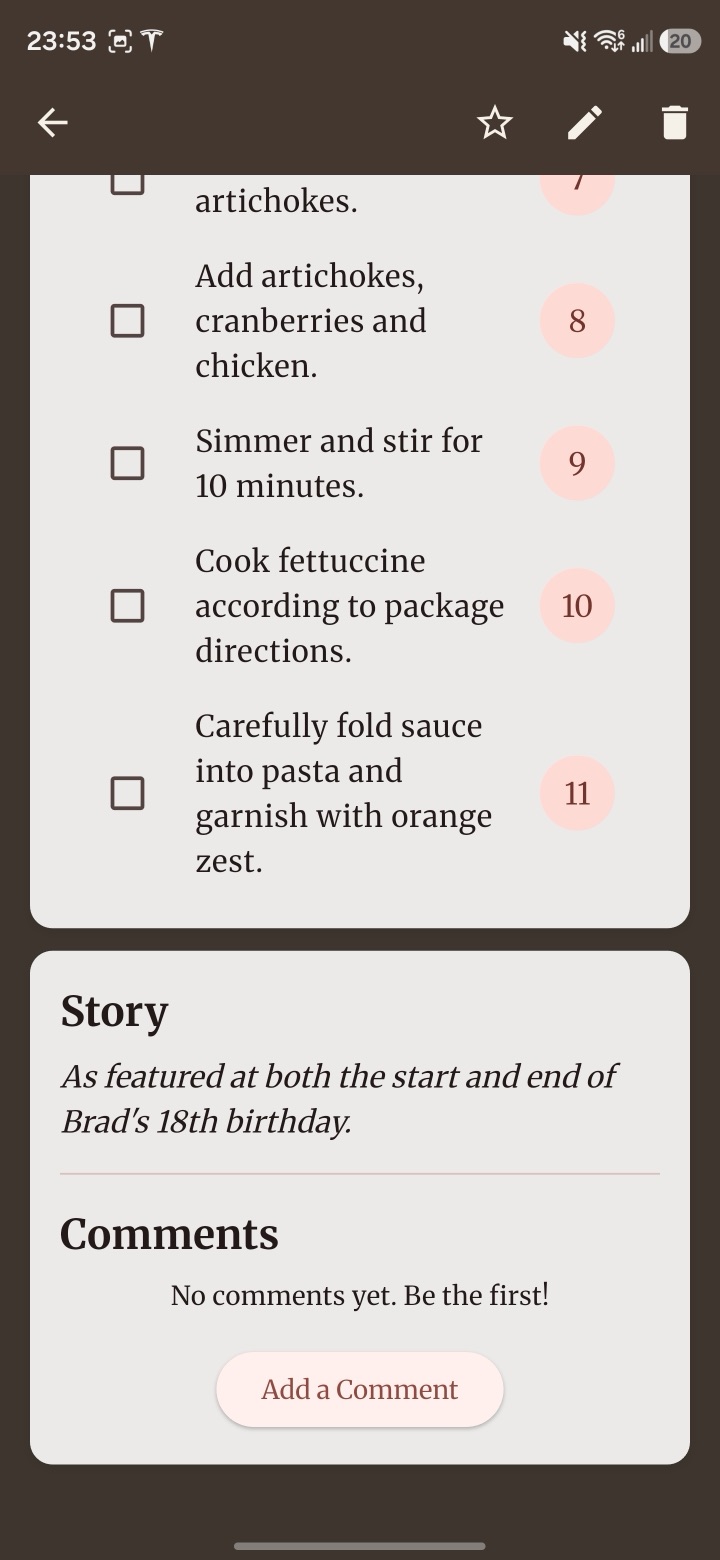
The story behind the dish
Some recipes come with a story. Keep both.
Add the note in the margin — who made it first, what it was served for, the secret nobody wrote down. Family stories sit right beside the recipe, so the next generation gets both.
Recipe photos · Family stories · Cooking notes
Made for families. Not for followers.
Recipe sites are full of strangers and ten-paragraph intros. This one is just your family.
What’s in it
- Recipes with photos, notes and stories
- A private cookbook your family joins by code
- Categories, favourites and a shopping list
- More than one cookbook, if your family needs it
What isn’t
- Strangers’ recipes or public profiles
- A life story before the ingredients
- Selling your family’s recipes or data
- “Can you text me that recipe again?”
Start your cookbook tonight.
-
1
Create a cookbook
Give it a name and you’re set. You’re its admin.
-
2
Share the code
Send it to family. They join in a tap and can start adding recipes right away.
-
3
Fill it together
Everyone adds their favourites. The cookbook grows a little every holiday.
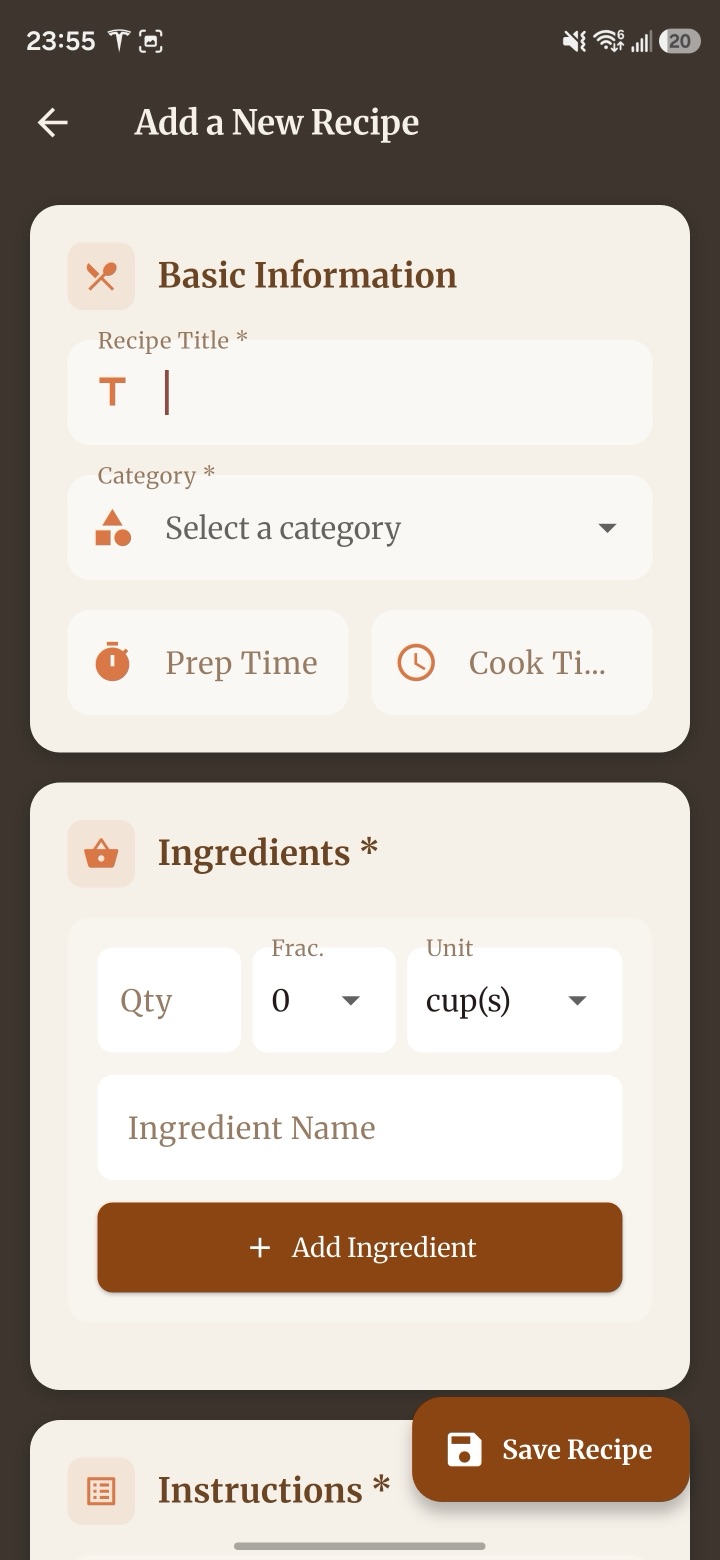
One family. More than one cookbook.
Keep a cookbook for each side of the family, or one just for the holidays. Admins manage who’s in, and recipes stay put even when someone leaves.
From recipe to shopping list.
Planning a family dinner? Add what you need to the shopping list, and it’s all there when you’re standing in the grocery aisle.
Private by design
Your cookbook is visible only to the family members you invite.
Works offline
Recipes are there when you’re cooking at the cottage, away from Wi-Fi.
Recipes stay in the family
If someone leaves or deletes their account, the recipes they shared stay in the cookbook.
For every family kitchen.
- Holiday dinners
- Grandma’s classics
- Weeknight staples
- Baking
- Family reunions
- Newlyweds
- Kids learning to cook
- Potluck favourites
- Heritage recipes
Free to start.
Every family cookbook starts free. Upgrade when yours outgrows it.
Free
For getting started
- Up to 8 recipes
- Up to 10 family members
- Family stories and recipe photos
Premium
For the whole family’s collection
- Unlimited recipes
- Up to 20 family members
- Family stories and recipe photos
A subscription in the app, shown in your local currency. The cookbook’s admin upgrades for everyone.
Questions, answered.
Is Family Cookbook free?
Yes, to start. A free cookbook holds up to 8 recipes and 10 family members. Premium unlocks unlimited recipes and up to 20 members.
How does my family join?
Whoever creates the cookbook gets a share code. Family members enter it in the app to join and can start adding recipes right away.
Is it on Android?
Family Cookbook is on iPhone today. Google Play is coming soon.
Can I be in more than one cookbook?
Yes. Keep one for each side of the family, one for holidays, or whatever suits you.
What happens to recipes if someone leaves?
They stay in the cookbook. If a member leaves or deletes their account, the recipes they shared remain for the family, credited to a former cookbook member.
How do I delete my account?
You can delete your account from inside the app, or request deletion by email. See account deletion for details.
More questions? Visit Family Cookbook support →
Keep the recipes. Keep the stories.
Start your family’s cookbook today — it’s free to begin.
Google Play — coming soon